

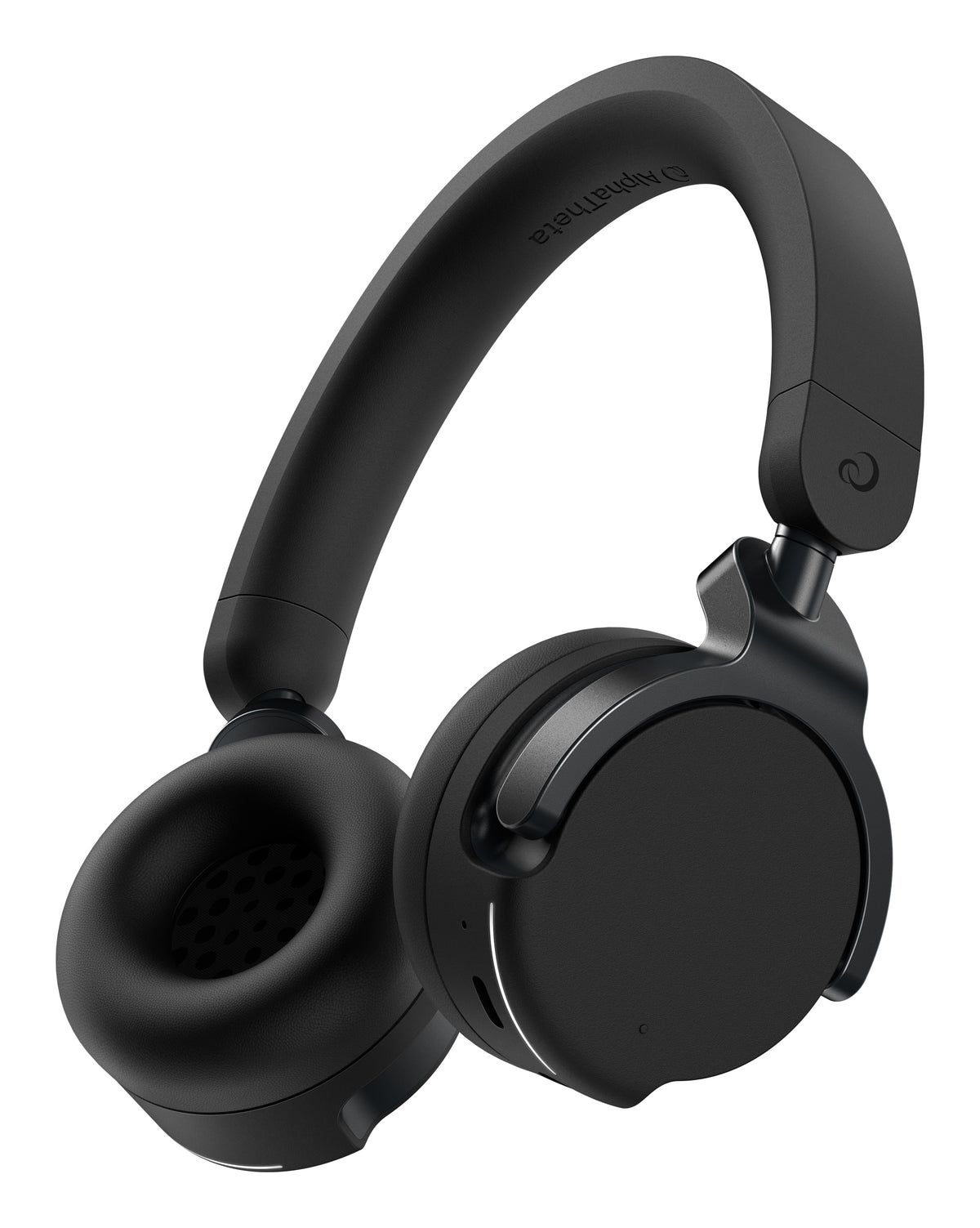
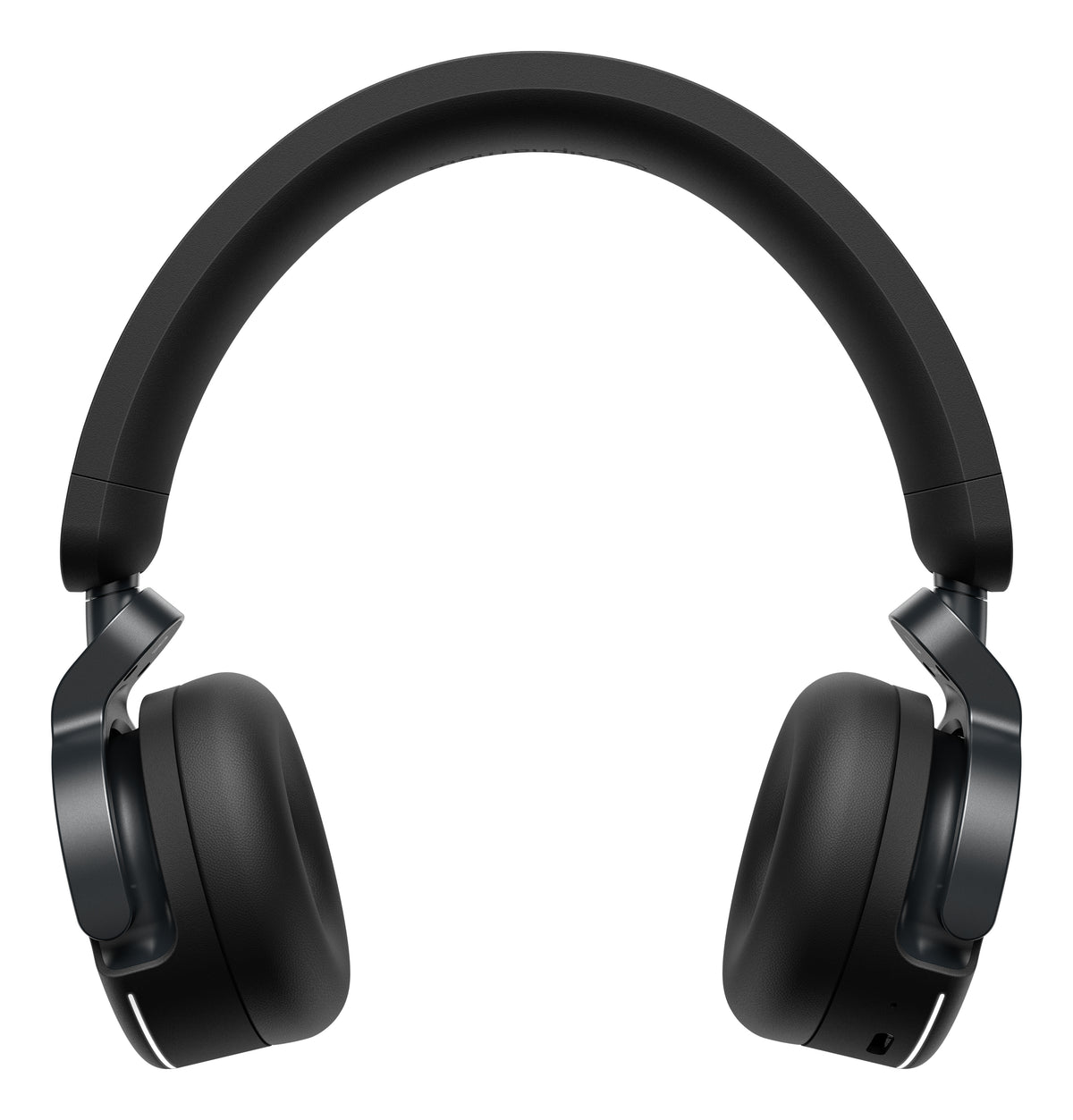
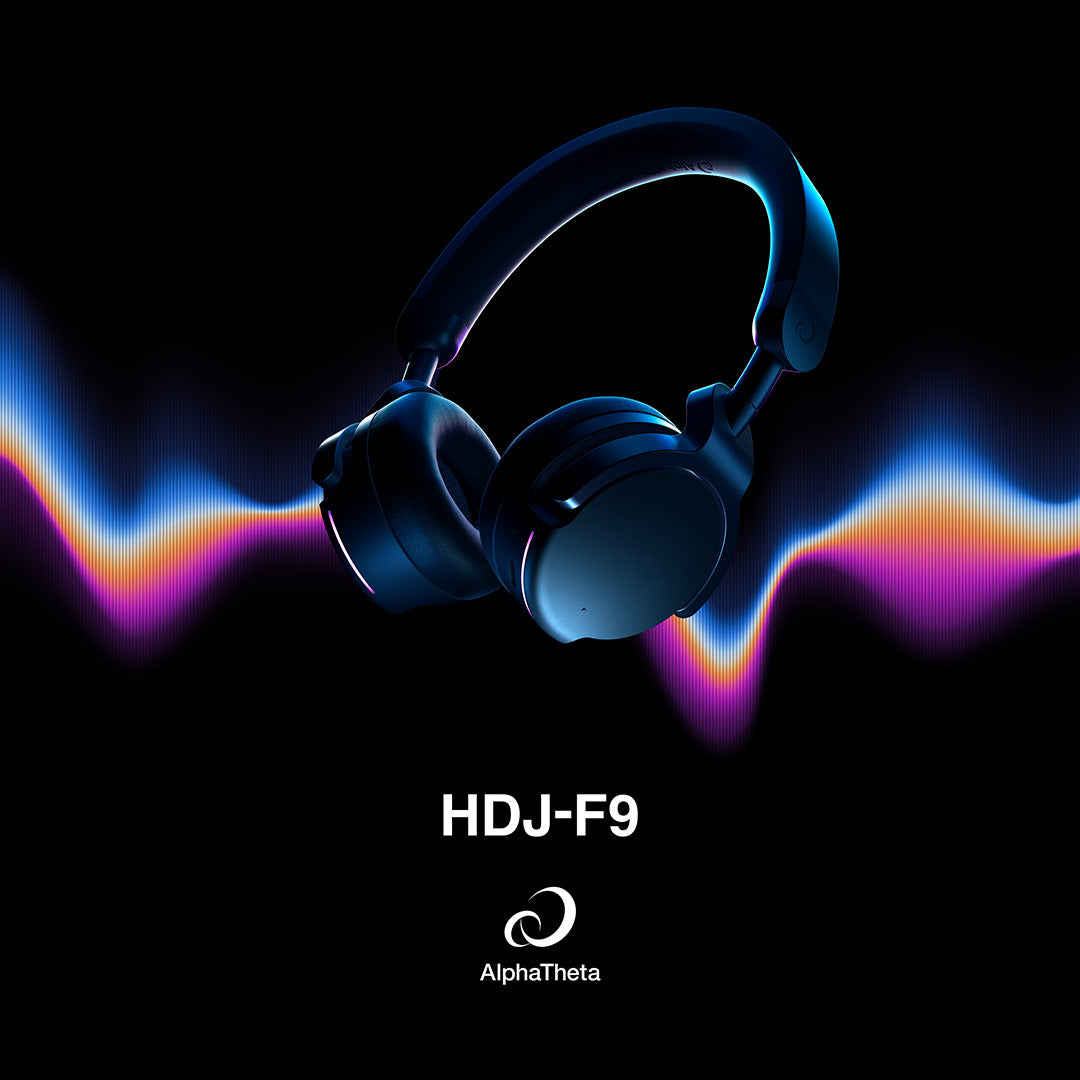
HDJ-F9
Professional on-ear DJ headphones
- SonicLink wireless technology
- SonicLink Touch Pairing
- Rich low frequencies and balanced sound
- Highly effective sound isolation
- Adaptable design
- Lasting durability
- Customizable with
- HEADPHONES CONNECT app
- Multipoint Bluetooth: Connect to 2 devices
- Built-in microphone
- SonicLink wireless technology
- SonicLink Touch Pairing
- Rich low frequencies and balanced sound
- Highly effective sound isolation
- Adaptable design
- Lasting durability
- Customizable with
- HEADPHONES CONNECT app
- Multipoint Bluetooth: Connect to 2 devices
- Built-in microphone
Product Features
SonicLink wireless technology
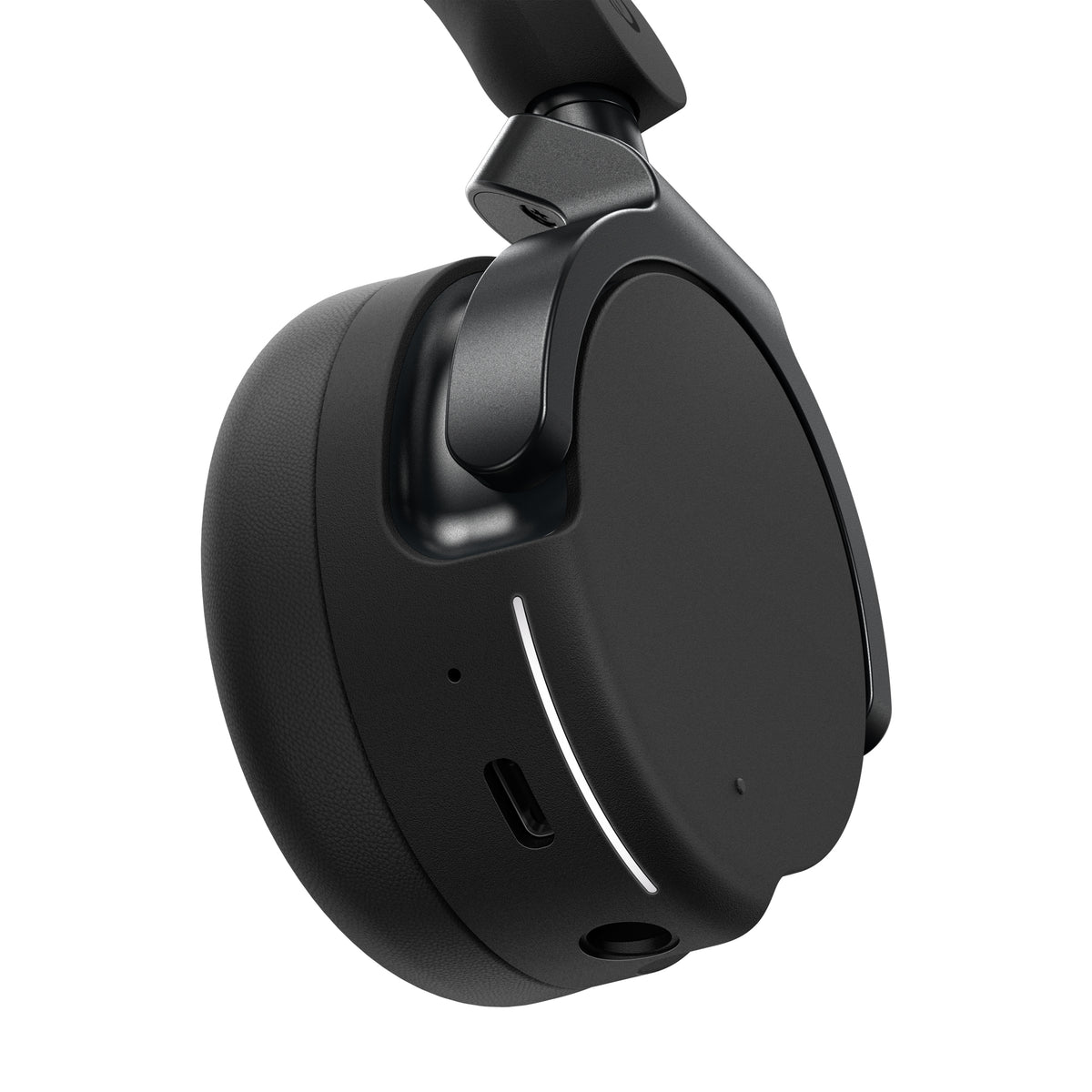
Adaptable Design
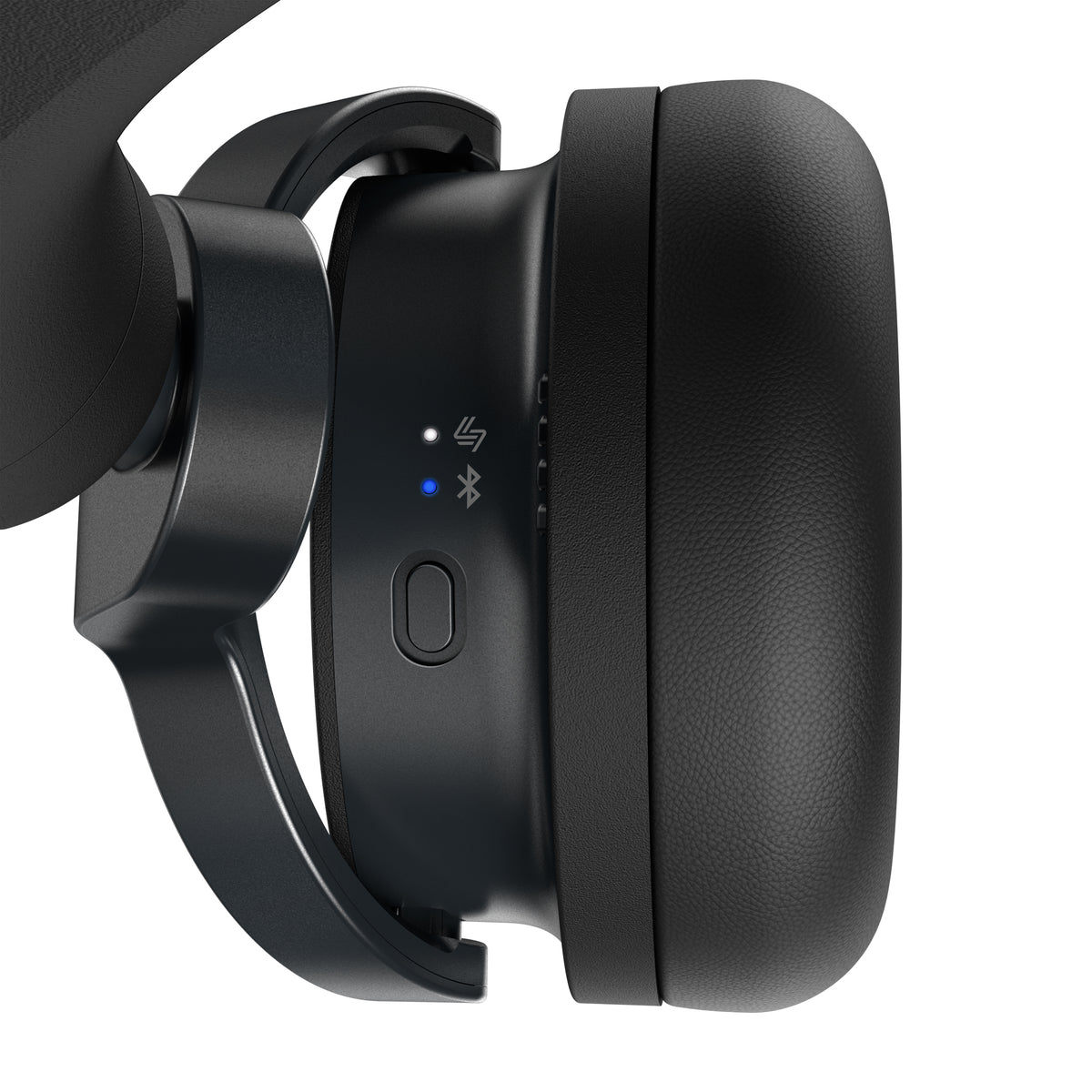
SonicLink Touch Pairing
Lasting durability
Rich low frequencies and balanced sound
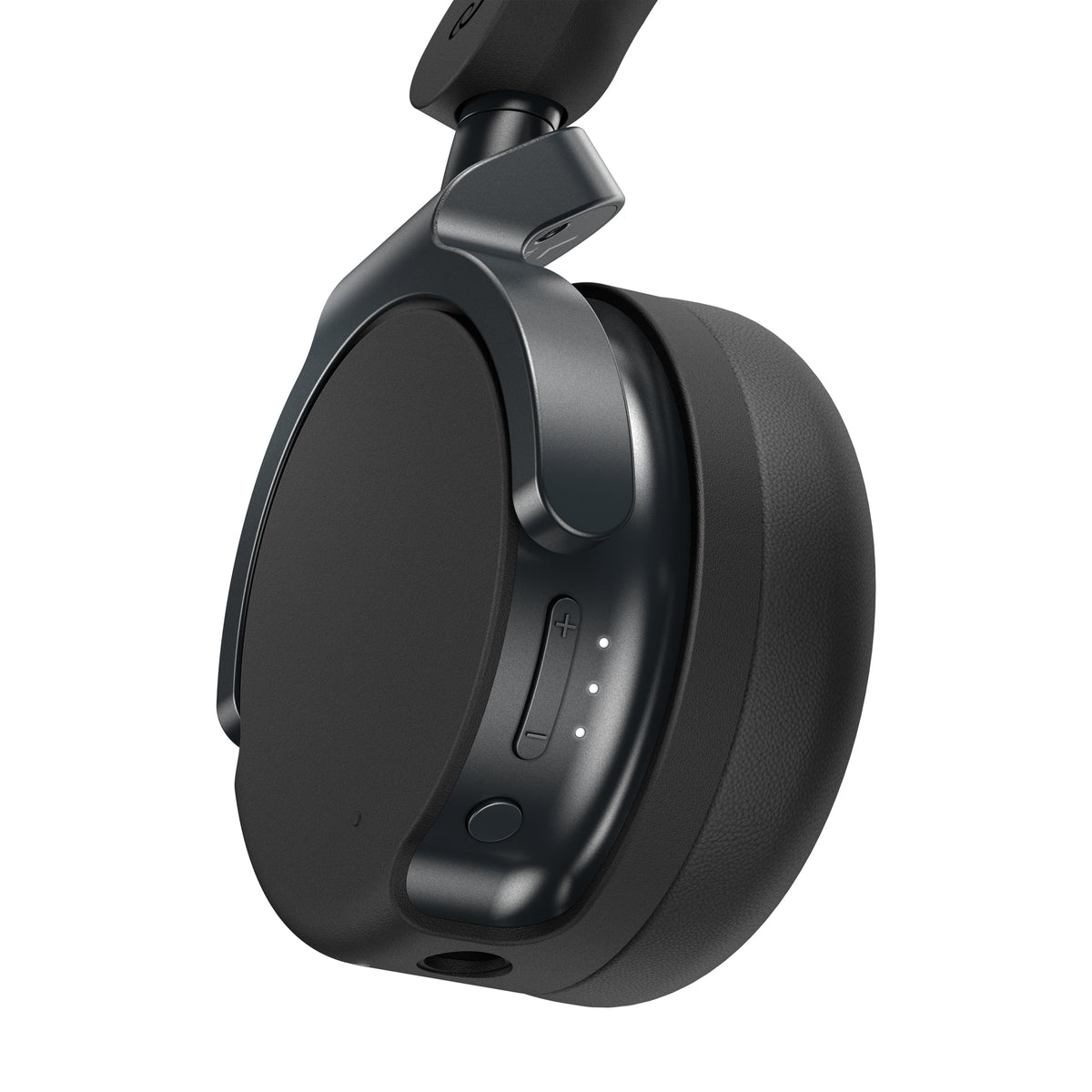
Customizable with HEADPHONES CONNECT app

AlphaTheta’s own wireless technology,
SonicLink, delivers high-quality sound,
powerful volume, and ultra-low latency
(as low as 9ms). Without cables, you can
monitor your mixing, and even scratch,
accurately without noticing any delay.

The HDJ-F9 headphones adapt to
you. The swivel-mounted hangers
and flexible silicone headband are
comfortable to wear, whether you’re
listening with one ear or resting the
headphones on your shoulder.

Instantly connect to compatible DJ gear,
such as the DJM-V5, simply by touching
the headphones to the mixer or other
supported unit. By using the separately
sold SonicLink Transmitter HP-TX01,
you can connect your headphones
to a wide range of other devices.

The adjustable slider is made from
tough die-cast aluminum and the
headphones have passed international
durability tests, offering the reliability
that professional DJs need.

While they’re compact in size, the
HDJ-F9 headphones are designed for
precise monitoring, even in loud DJ
booths. They deliver powerful, full-bodied
low frequencies and a well-balanced mid
and high range with minimal distortion.

Using the HEADPHONES CONNECT
app on your smartphone, you can
adjust the color and brightness of the
Status LED, rename the headphones,
configure the auto-power-off function,
and choose whether a button on the
headphones can be used to start and
stop Siri® or Google Assistant™.
